Track advertising and operational costs
Advertising and operational costs help account for expenses that are not naturally attached to one order.
6 min readConnect advertising spend
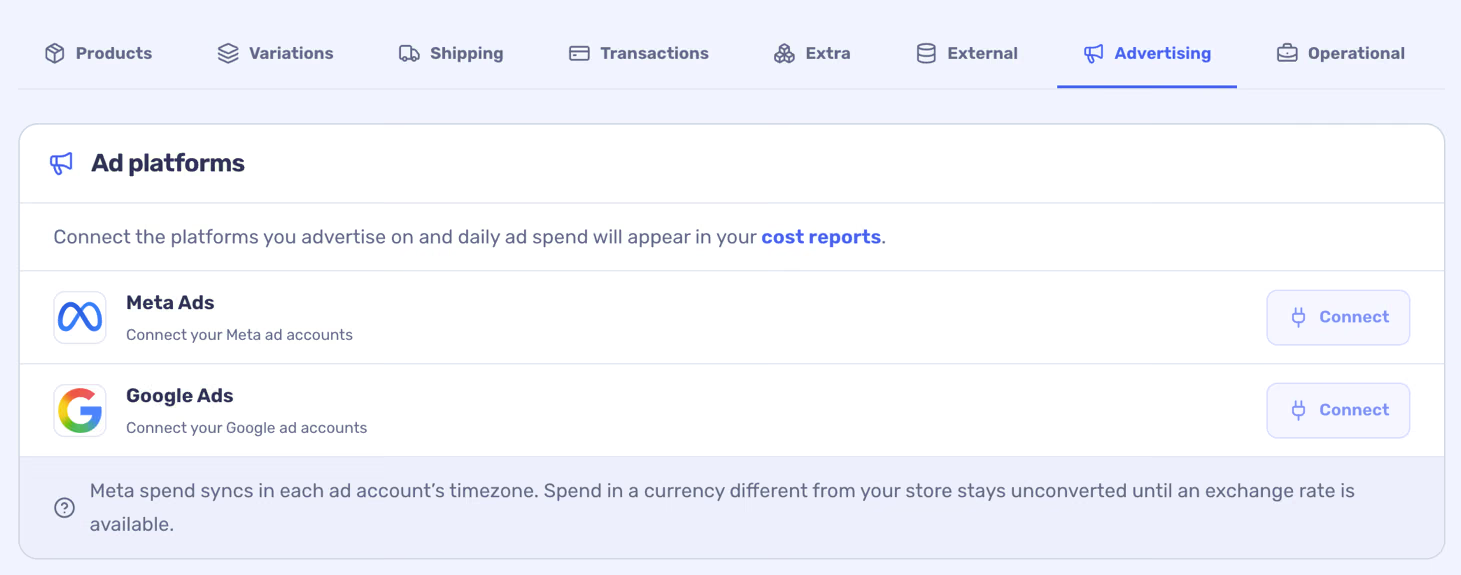
Spend is imported as daily account data. Check account selection, timezone and currency; amounts in a different currency need an available exchange rate. Connected ad spend is a shared expense, not an order-level attribution.
- Open Costs → Advertising or Store settings → Integrations.
- Connect a supported Meta or Google Ads account and authorise the connection.
- Choose the accounts whose spend belongs to this store and allow the sync to complete.
Schedule an operational expense
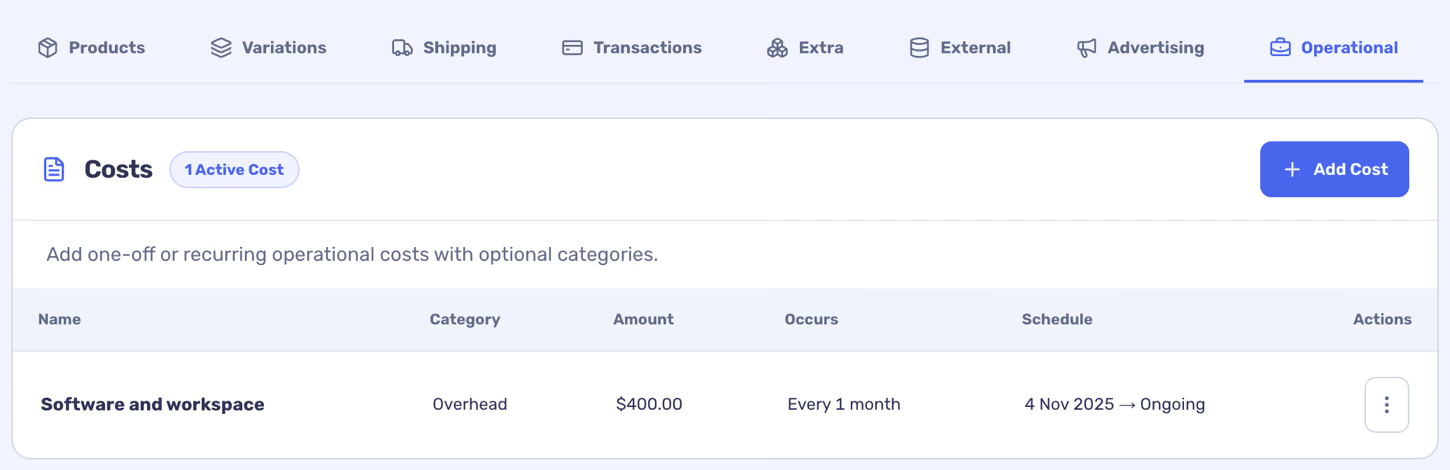
Use this for expenses such as software or rent. The schedule places the expense on its applicable dates; disabling or editing an entry changes the configured schedule.
- Open Costs → Operational and add an expense.
- Give it a name, category, amount and start date. Choose a one-off or recurring schedule and an end date if appropriate.
- Save the expense, then save your changes.
Use shared costs carefully
Advertising and operational expenses are shared across the store. They cannot be attributed reliably to an individual order or segment, so check whether shared costs are included when reviewing a filtered profit view. Avoid entering the same spend twice.