EXPLORE YOUR STORE DATA
Navigate, search and sort lists
The sidebar takes you to your store’s orders, subscriptions, customers, products and coupons. Each list offers ways to find a smaller set of records.
4 min readFind the right records
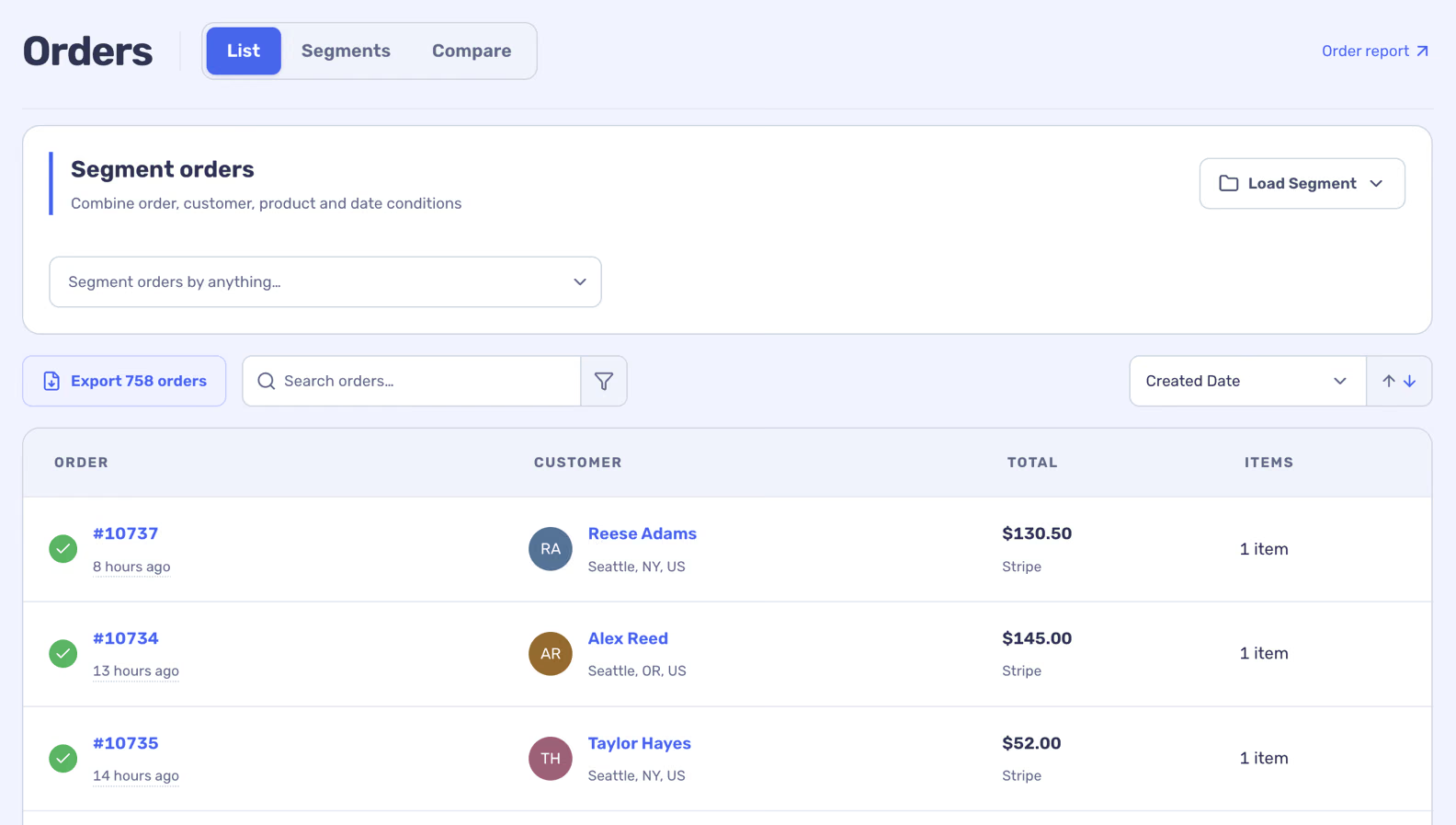
Search fields and sort choices differ by list. A search and a segment can work together, so clear both if you expect to see more records.
- On a list, enter a search term such as a name, email, order number or product.
- Choose a sort field and direction. Use the page-size and page controls at the bottom to browse further.
- Add filters in the segment area for more specific conditions, then apply them.
Check dates and record scope
Some lists use a date selection while others show a current catalogue or subscription snapshot. Read the labels on each page and check the selected dates before comparing counts. A record list can include statuses that are excluded from financial totals.