Understand customer profiles
A customer profile brings together the customer’s known identity and activity so you can understand a relationship rather than a single transaction.
5 min readFind a customer
- Open Customers and search or segment the list.
- Select a customer name to open the profile.
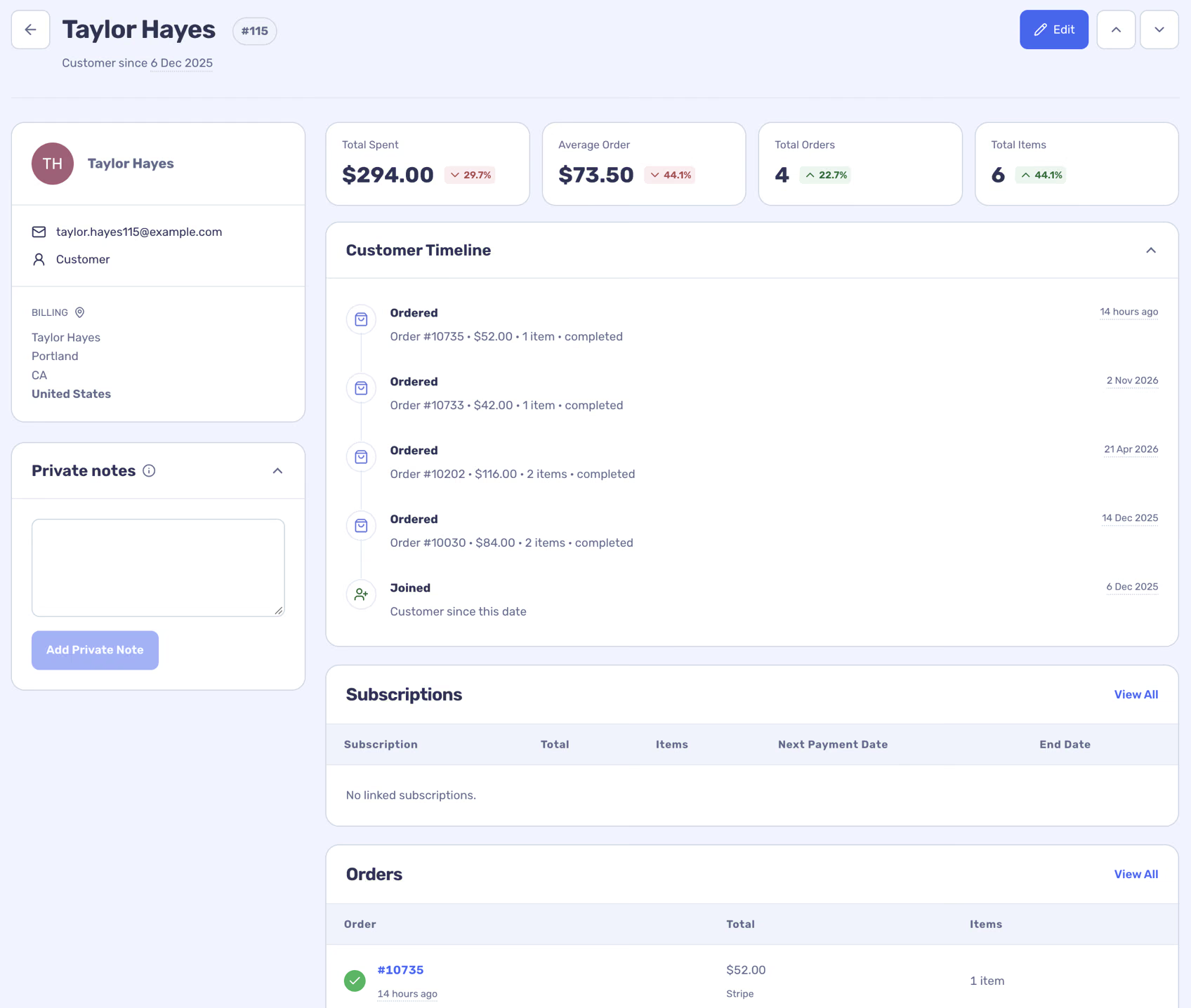
- Review the summary and the customer timeline, then open a linked order or subscription for details.
Read the profile
The profile can show contact and billing details, customer totals, orders, products, subscriptions and source information. Customer totals depend on the store’s reporting settings and the data available. A guest and a registered customer may not always be reliably linked; missing identity data is not invented.
Use the private notes area to leave internal context. The Edit action opens the WooCommerce customer where an editable source account is available.
Put the history to work
Use the timeline and order list to investigate a customer question, then return to Customers to build a segment of people with similar purchase behaviour. The segment is a reusable set of conditions, not a static mailing list.