EXPLORE YOUR STORE DATA
Understand coupon usage
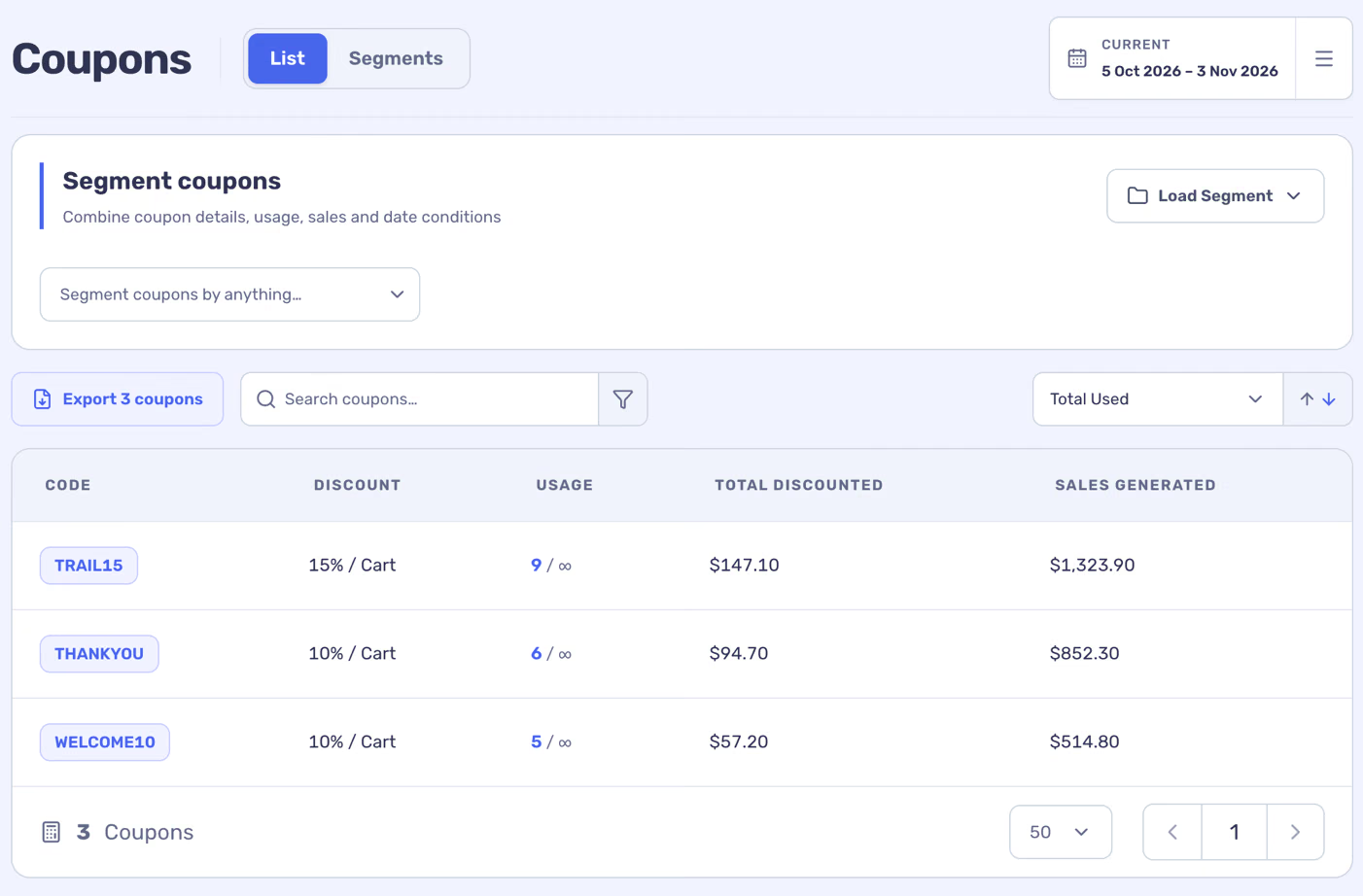
The Coupons list helps you find a discount code and see how it was used in the selected period.
4 min readFind a code
- Open Coupons and use search, filters or sorting to find a code.
- Select the code to open its detail page.
- Choose the dates you want to investigate.
Read usage and associated orders
The detail page shows the coupon type and available restrictions, a usage chart, totals and a list of recent orders using the code. Open an order to inspect its items and source amounts.
The associated sales and orders show activity on orders where the coupon was used; they do not prove that the coupon caused those sales. An order can use more than one coupon, so totals across codes can overlap.
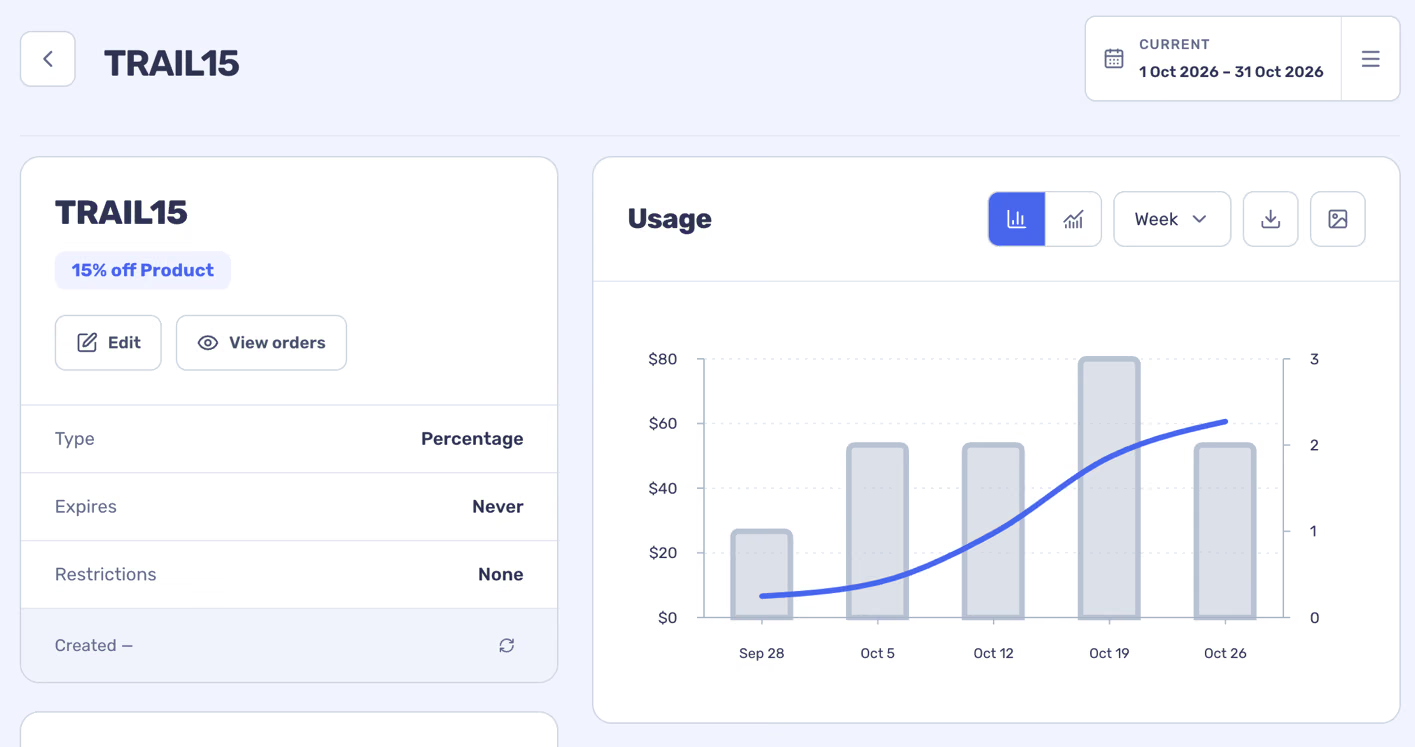
Coupon settings are imported from WooCommerce. Use Edit to open the source coupon when you need to change its terms.